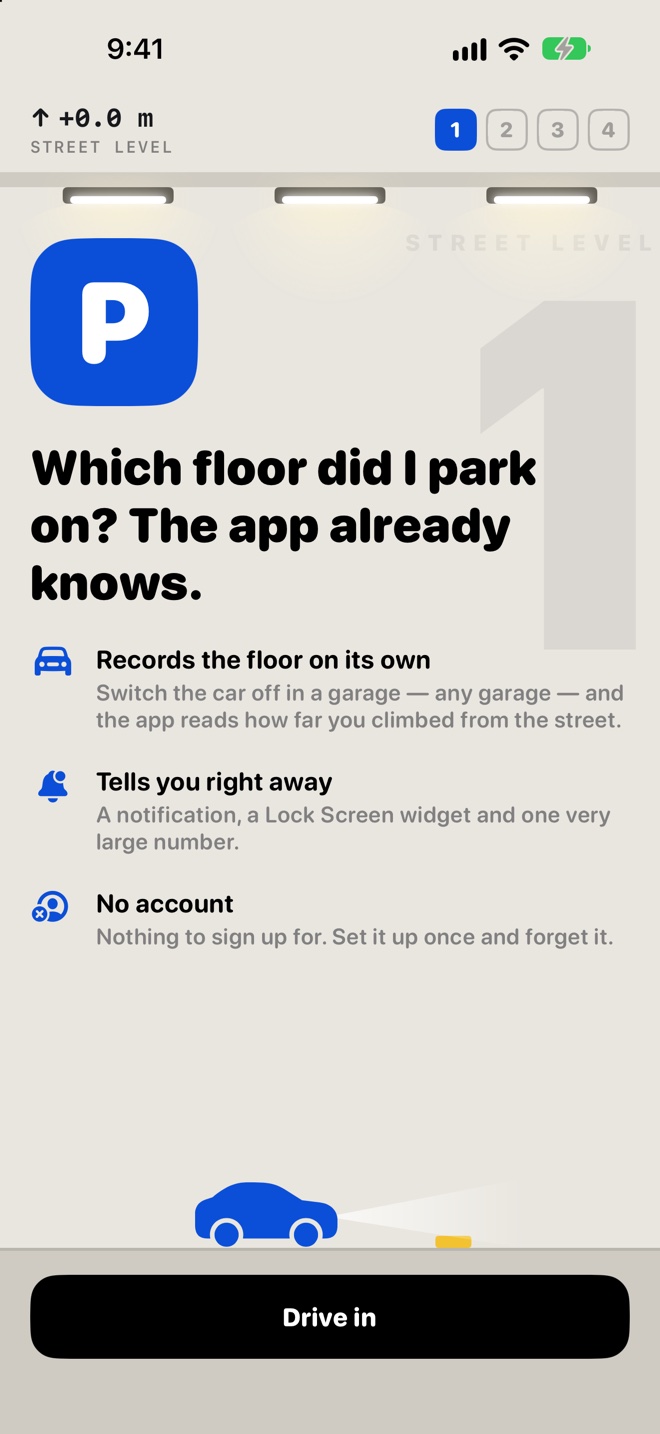
It knows which floor you parked on.
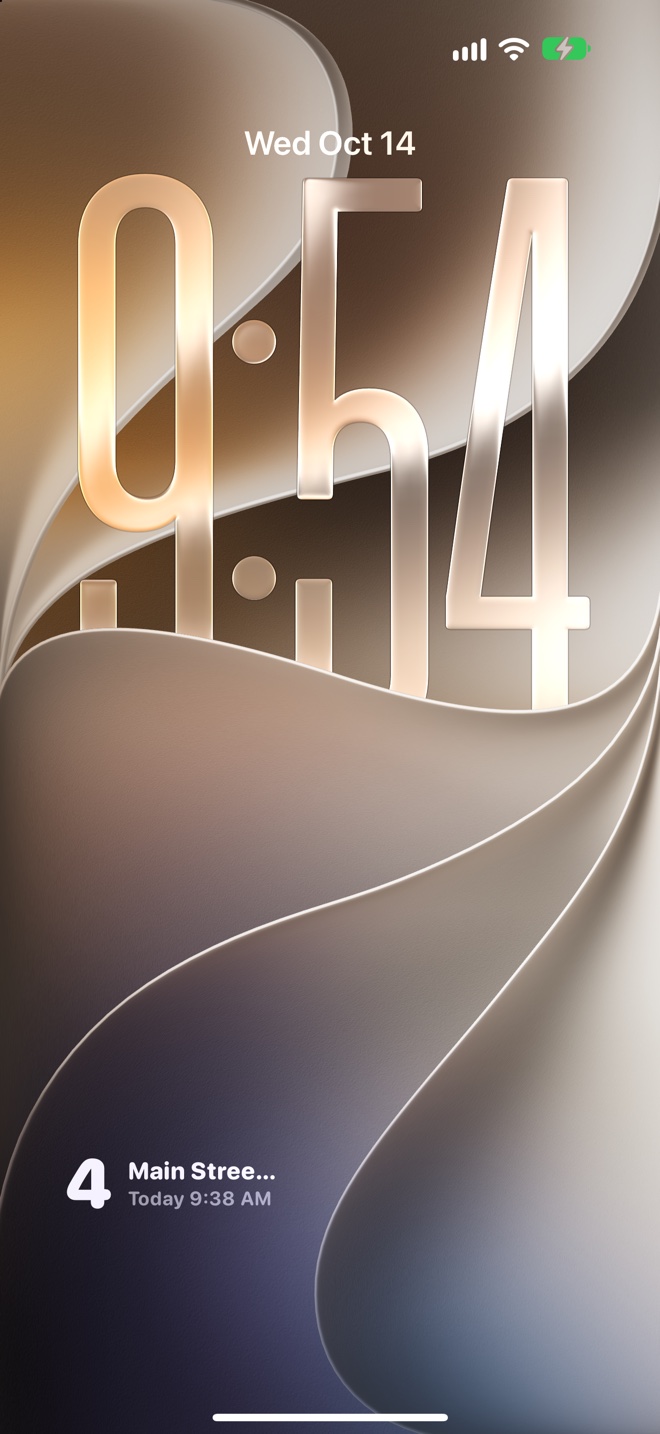
Your iPhone's barometer feels every ramp you drive up. Switch the car off and the floor is waiting on your Lock Screen, with the phone still in your pocket.
One email on launch day, nothing else. How we handle it.

Set it up once. Then just drive.
No tapping, no photos of the pillar, no opening the app when you park.
-
Tell it which car is yours
Add your car's Bluetooth or CarPlay name. That's how the app knows you're driving, and when you've parked.
-
Drive into any garage
The barometer measures the climb from the street, ramp by ramp. It works in garages it has never seen.
-
Switch the car off
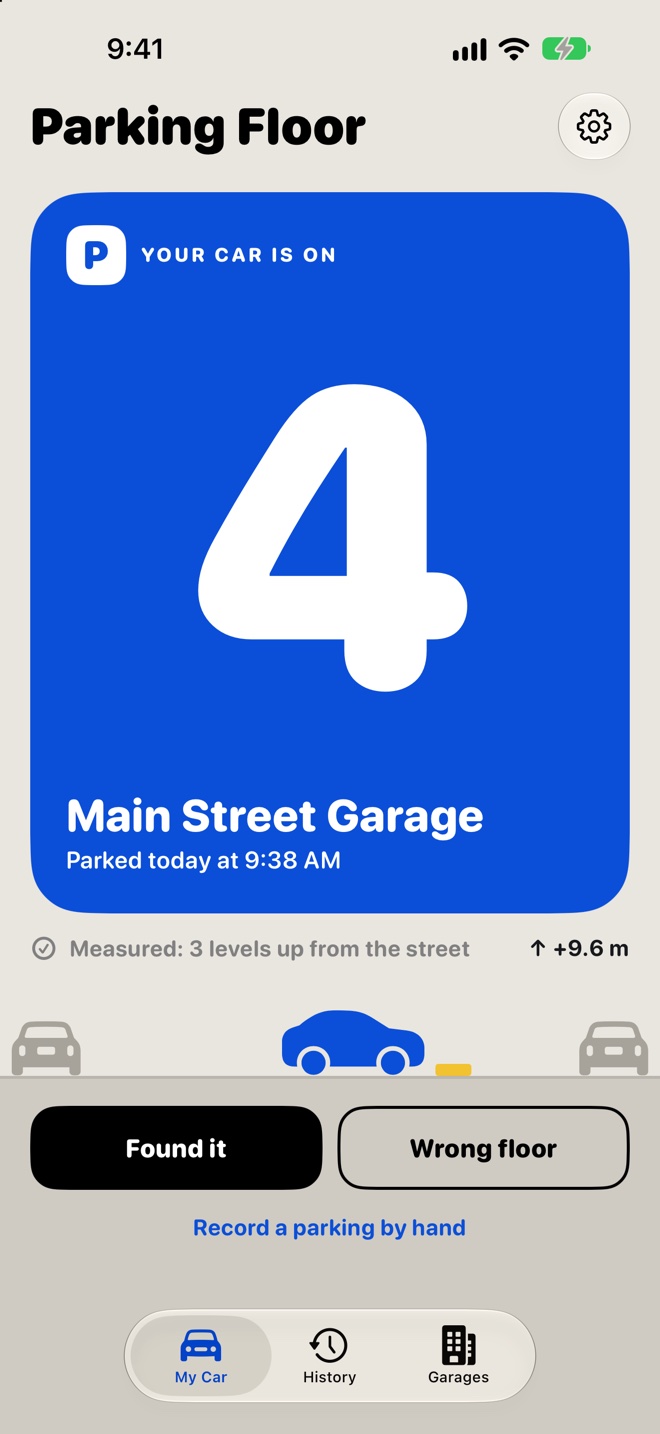
A notification says "Parked on floor 4". The floor stays on your Lock Screen widget until you're back at the car.
Honest about what it measured.
It never shows a confident guess it didn't measure. When it isn't sure, it says so and lets you pick with one tap.
The climb landed squarely on a level. That's your floor.
The climb landed between two levels. Tap the right one, and that garage learns its real floor height.
It couldn't measure this time, so it asks, with your usual floor already picked.
What it knows about you, in plain words.
No account to make and no server keeping your drives. Here is everything it touches.
Stays on your iPhone
- Barometer and motion readings, to measure the climb
- Your location while you drive with your car connected, to find the street and your garages
- Your cars, garages and parkings
Your garages are saved, not a history of where you've been. Deleting the app deletes all of it.
Leaves the phone only for this
- Drive logs, only if you turn them on. They help us fix detection. Off in the App Store version until you say yes.
- A new garage's coordinates, to a public elevation service (USGS or Open-Meteo). Nothing else goes with them.
- Apple Maps, to name a garage or find one you search for.
No ads, no selling data, no tracking you across other apps.
- Works in any multi-level garage, including ones it has never seen
- Learns each garage, so the second visit is better than the first
- Lock Screen and Home Screen widgets
- Several cars, each with its own floor
- Plain floor numbers: street level is floor 1, and one correction teaches a garage its own numbering
- Needs an iPhone with iOS 17 or later and a car with Bluetooth or CarPlay